Editing
Free MP3 Cutter & Ringtone Maker
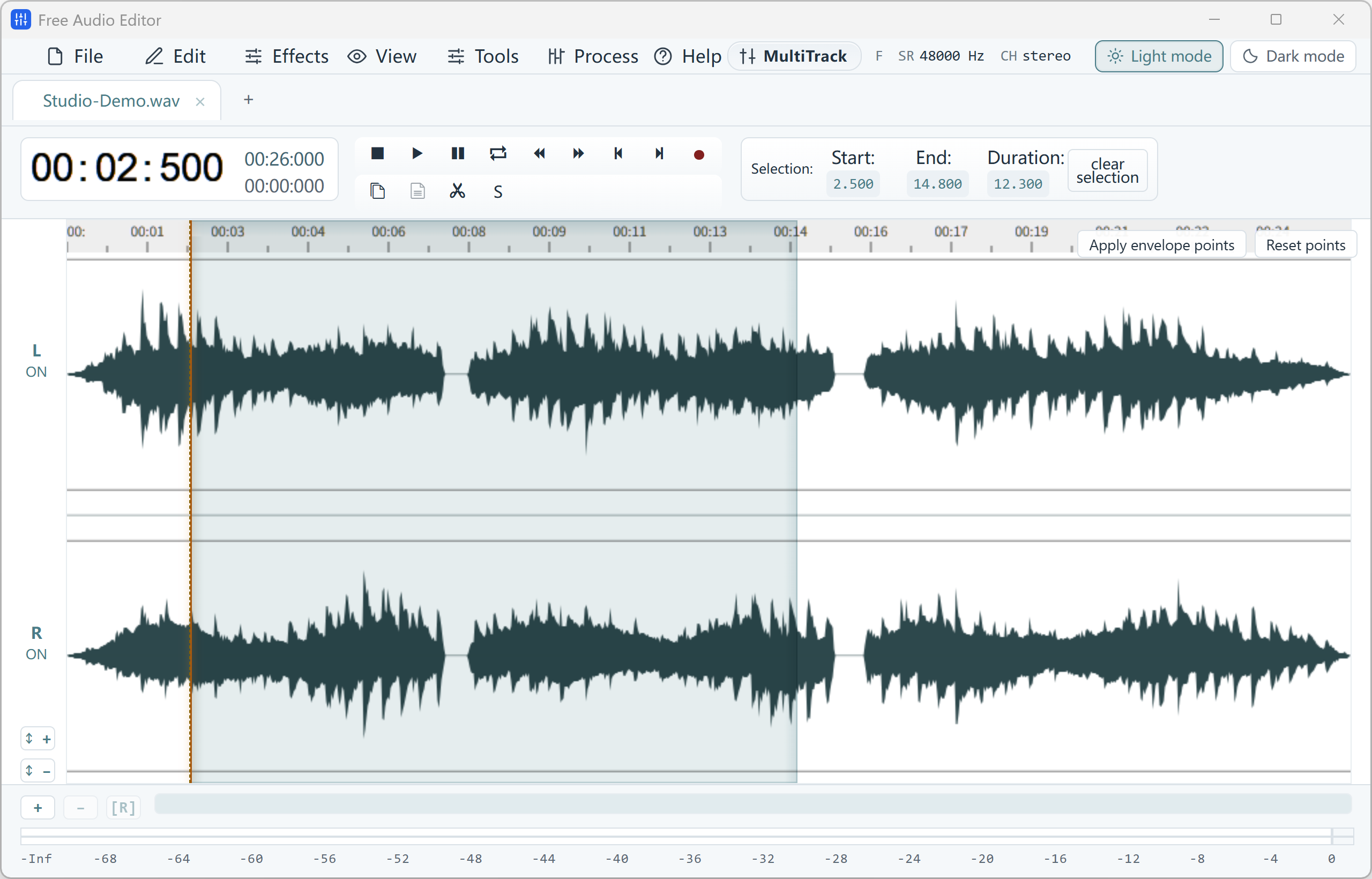
Cut songs on a waveform, fade the ends and save just the part you want.
For Windows 11 & Windows 10 (64-bit) · Need MP3? Export WAV free, then convert it to MP3 free with Free Video & Audio Converter
Want to save MP3, FLAC or AAC directly from the editor in one step? That is part of the optional registered edition.
.wsmith projects, and enable auto-backup.
Ctrl+K.
Edits, spectral attenuation, and WAV master saves run directly on your Windows PC without uploading files to a cloud queue.
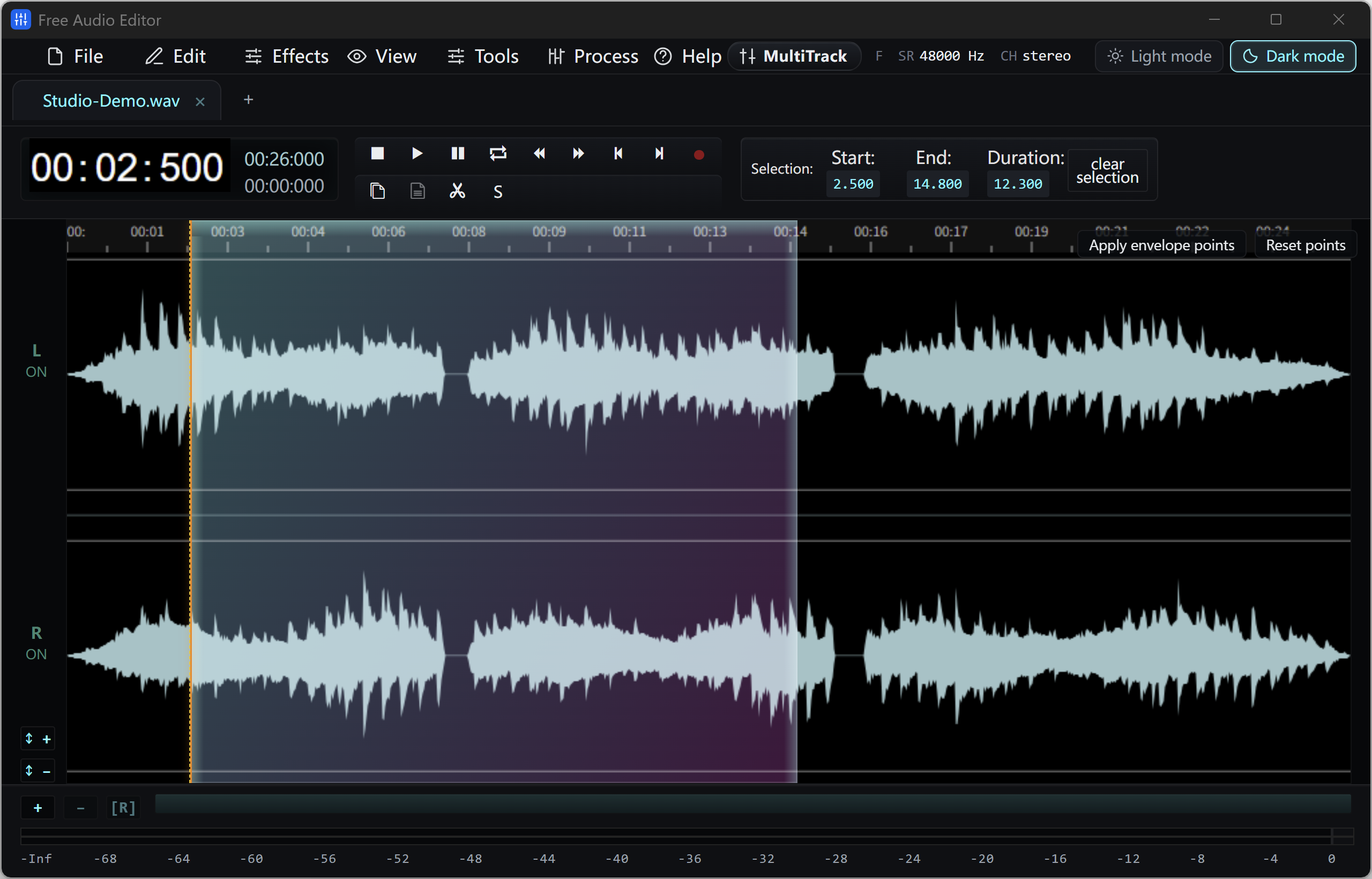
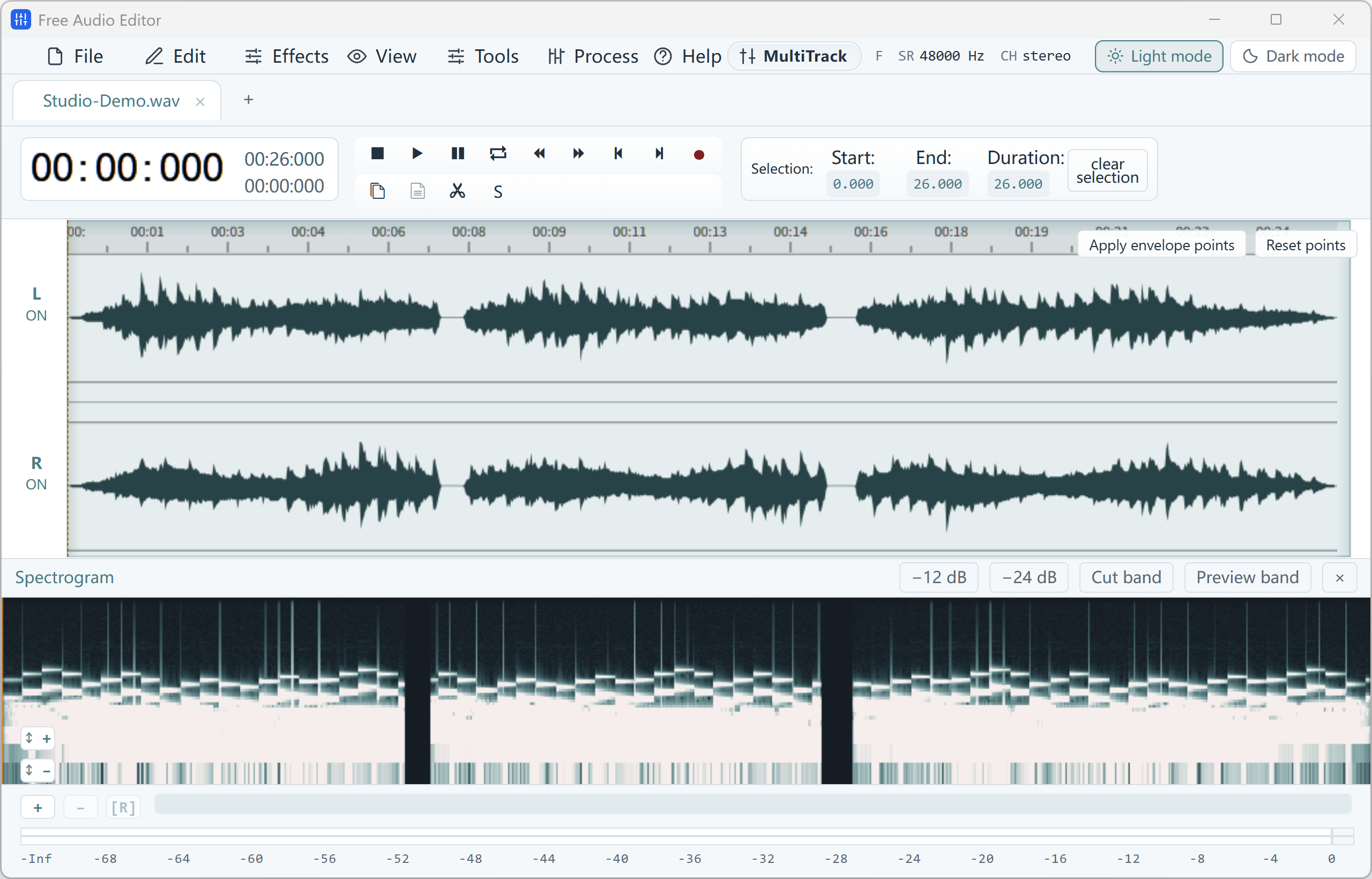
Clean transport controls, searchable command palette (Ctrl+K), undo history drawer, and guided Podcast Chain make editing effortless.
Sample rates from 8 kHz to 192 kHz, bit depths up to 32-bit and 64-bit float, BPM estimation, Metronome, and LUFS loudness matching.
Import audio or video files by drag-and-drop, paste a YouTube link, or capture your microphone and system playback.
Cut unwanted sections, apply 20-band EQ or compression, or run Repair Studio and the Podcast Chain with live preview.
Save your project or export WAV for free. Register to unlock MP3, FLAC, ALAC, AAC, Ogg Vorbis, Opus, and WMA delivery.
Precision stereo waveform & spectrogram editing, microphone + Windows system audio recording, and multi-stage voice cleanup.
Unifies Free Audio Converter, Free Video to Audio Converter, Easy Audio Extractor, Easy Video Switch, and Easy YouTube to MP3 Converter in one application.
Short clip waveform preview in browser. Full recordings & Repair Studio in desktop app.
Convert short WAV, M4A, FLAC, or OGG clips to MP3 in browser.
Turn a short MP4, MOV, or WebM into MP3 in your tab.
Pull a short soundtrack segment with fade controls.
Convert a short video clip to MP4 or WebM in browser.
Cut a song to the part you love, make a ringtone, fade tracks in and out, remove silence, and join several songs into one mix. Music editing guide
Open MP3, WAV, FLAC, M4A, OGG and WMA files, edit them on a clear waveform, and edit MP3 tags and cover art. MP3 editor guide
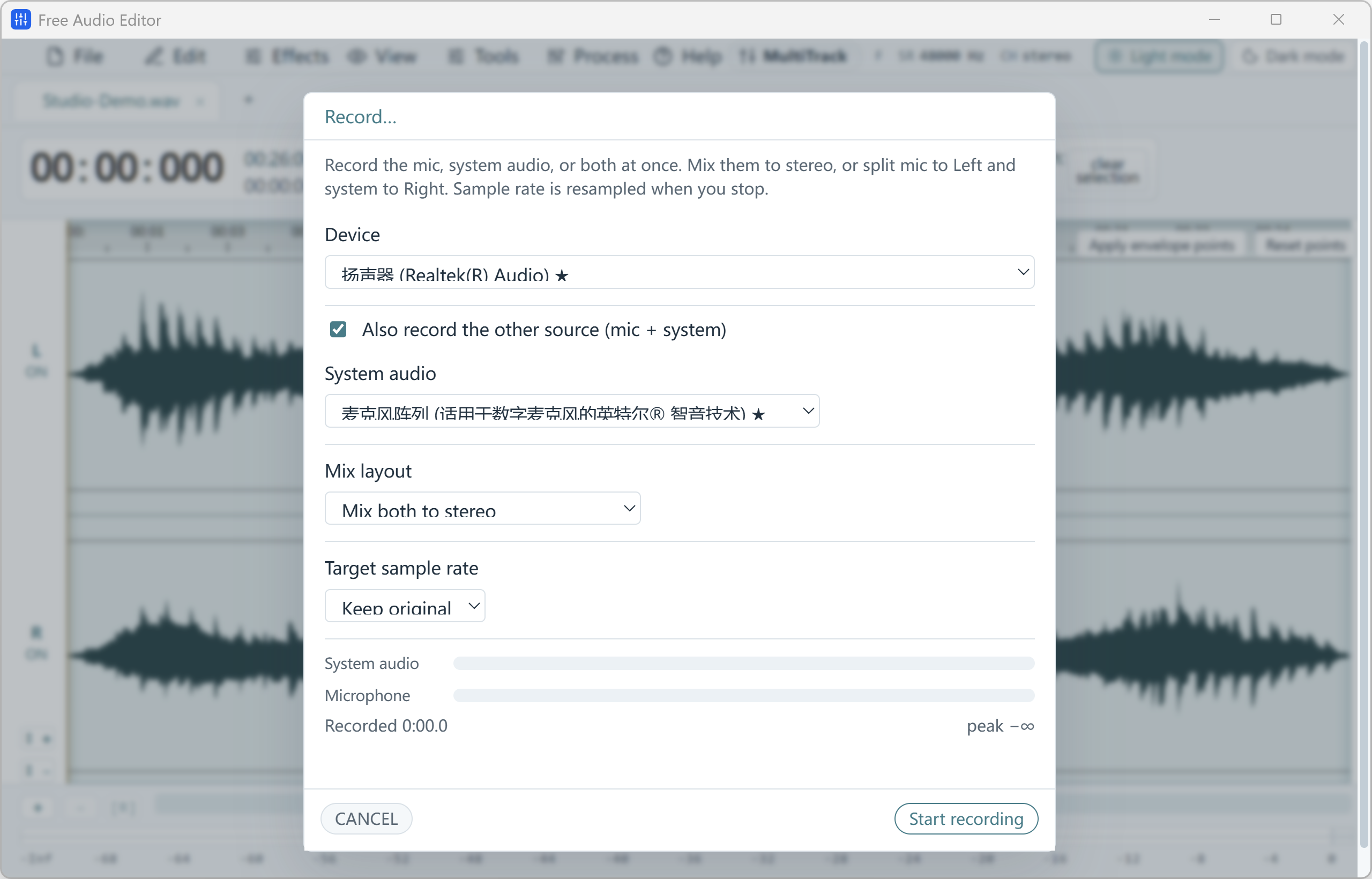
Record voice-overs, podcasts, online calls and anything playing on your PC, then edit the take right away. Free voice recorder
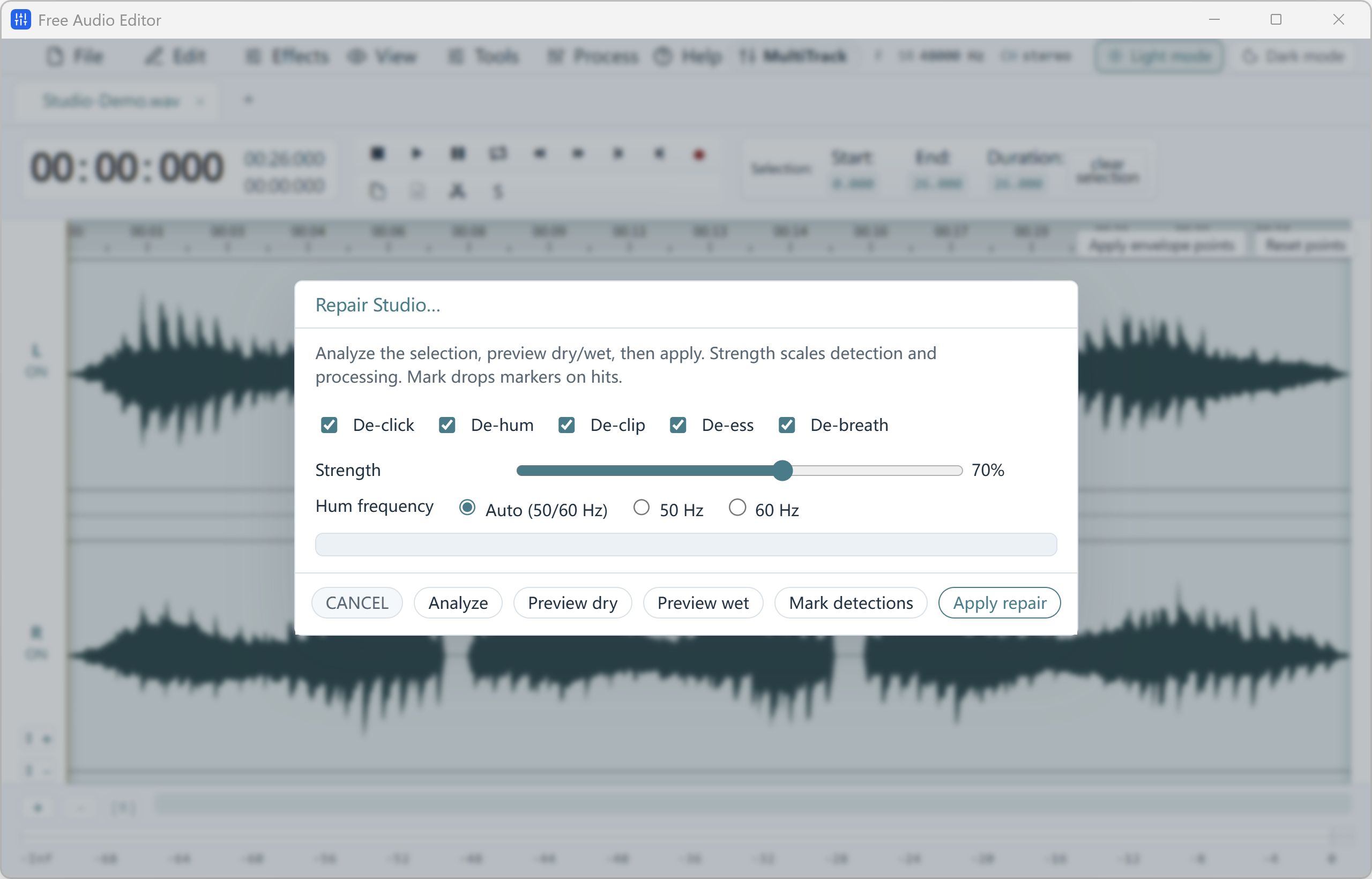
Clean hiss, hum, clicks, clipping and breaths from voice recordings with a before/after preview. Noise removal guide
Cut a song to the part you want, trim silence, fade the ends and save just that clip. MP3 cutter guide
Cut mistakes, remove noise and breaths, and level a voice-over or podcast to one steady volume. Voice editor guide
Yes. Editing, recording, noise removal, all effects, saving projects and exporting WAV files are free without registration, and no watermark is added. An optional upgrade unlocks direct export to MP3, FLAC, AAC/M4A, OGG, Opus, WMA and other formats.
Export your edited audio as WAV, then convert it to MP3 with our completely free Free Video & Audio Converter. It converts whole folders at once.
Yes. It runs on Windows 11 and Windows 10 (64-bit, version 2004 or later). The installer includes everything the editor needs.
Yes. Use voice Noise Reduction for steady hiss, or Repair Studio to remove clicks, 50/60 Hz hum, clipping, sibilance and breaths. You can compare the original and cleaned audio before applying. Read the noise removal guide.
Yes. Free Audio Editor records your Windows playback device (system sound), your microphone, or both at once — ideal for calls, streams and voice-overs over music.
The online audio editor is a quick browser preview for one short clip. The desktop app handles full-length recordings, records your PC and microphone, and includes Repair Studio, the spectrogram and the multitrack mixer.
Download Free Video & Audio Converter. It converts video to MP3, MP4, FLAC and WAV, and queues YouTube videos and playlists — every conversion is free.
Cut songs on a waveform, fade the ends and save just the part you want.
An honest look at the best free audio editors for Windows 11/10 and what each one does best.
Clean hiss, hum, clicks and breaths from voice recordings with Repair Studio.
Record computer playback and your microphone together or on separate channels.
Trim songs, make ringtones, fade and join MP3 files on a visual waveform.
Convert one MP4 or a whole folder of videos to MP3 up to 320 kbps.
Paste one playlist link and save up to 100 videos as MP3 in one batch.
Trim, loop, reverse and clean up sound effects, clips and recordings.
Cut and join songs, make ringtones, match loudness and mix tracks.
Save part of a soundtrack as MP3, extract it all, or remove the sound.