Short answer: Free Audio Editor opens MP3 files for free so you can cut, trim, fade, clean and join them on a waveform. Save the result as WAV for free and convert it to MP3 with the free Free Video & Audio Converter, or save MP3 directly with the registered edition. Need only a quick cut? See the MP3 cutter guide.
Everything You Need to Edit MP3 Files
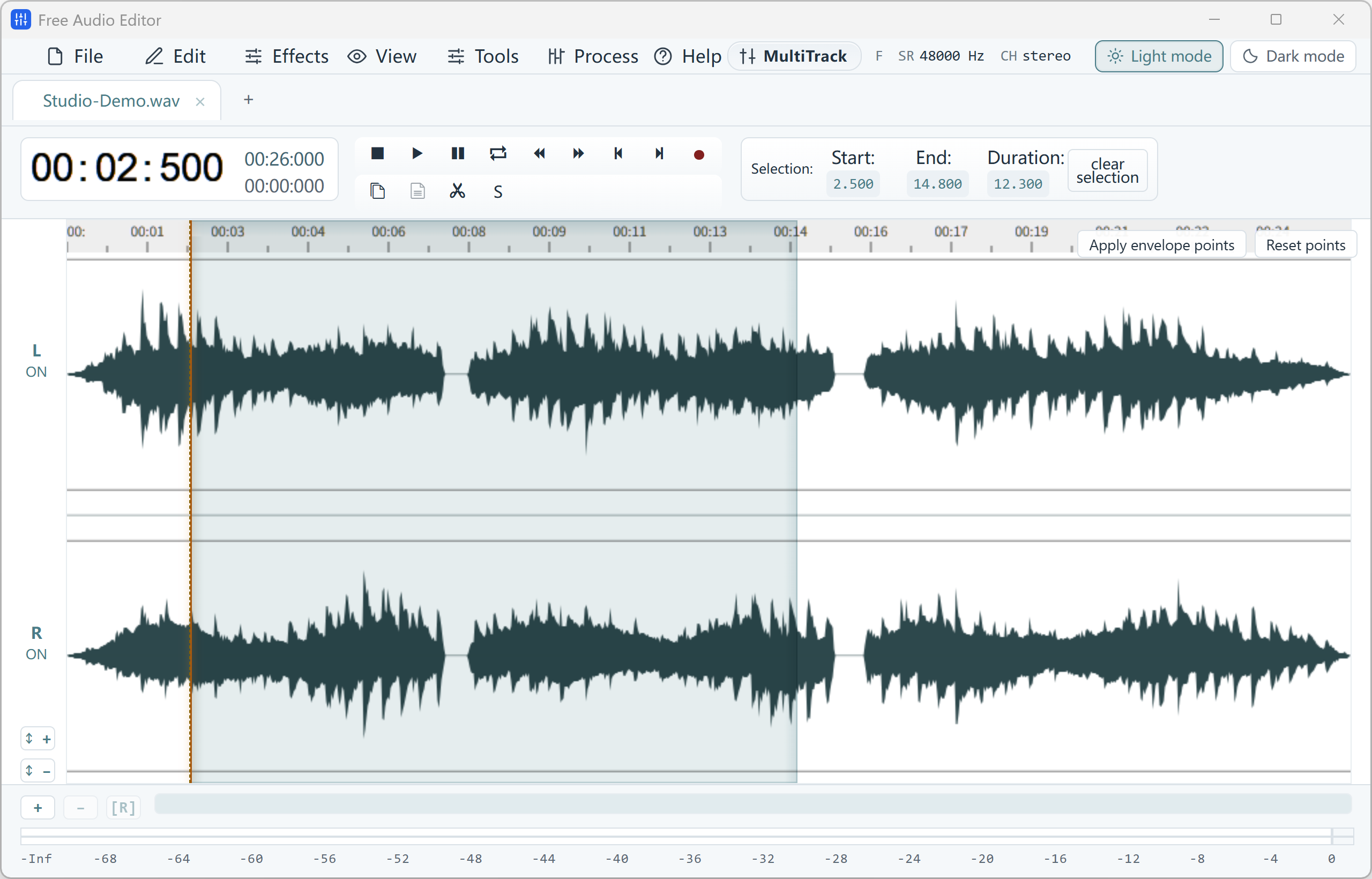
Free Audio Editor shows your MP3 as a zoomable stereo waveform, so every edit is precise:
- Cut, trim and split — select a region and delete, copy or trim to it; edits snap to zero crossings to avoid clicks.
- Fade in, fade out and crossfade — smooth starts, endings and joins.
- Make it louder — Normalize, Compressor, Limiter and loudness matching.
- Remove noise — voice noise reduction and the Repair Studio for clicks, hum and clipping.
- Join MP3 files — paste one file into another or combine tracks in the Multitrack Mixer.
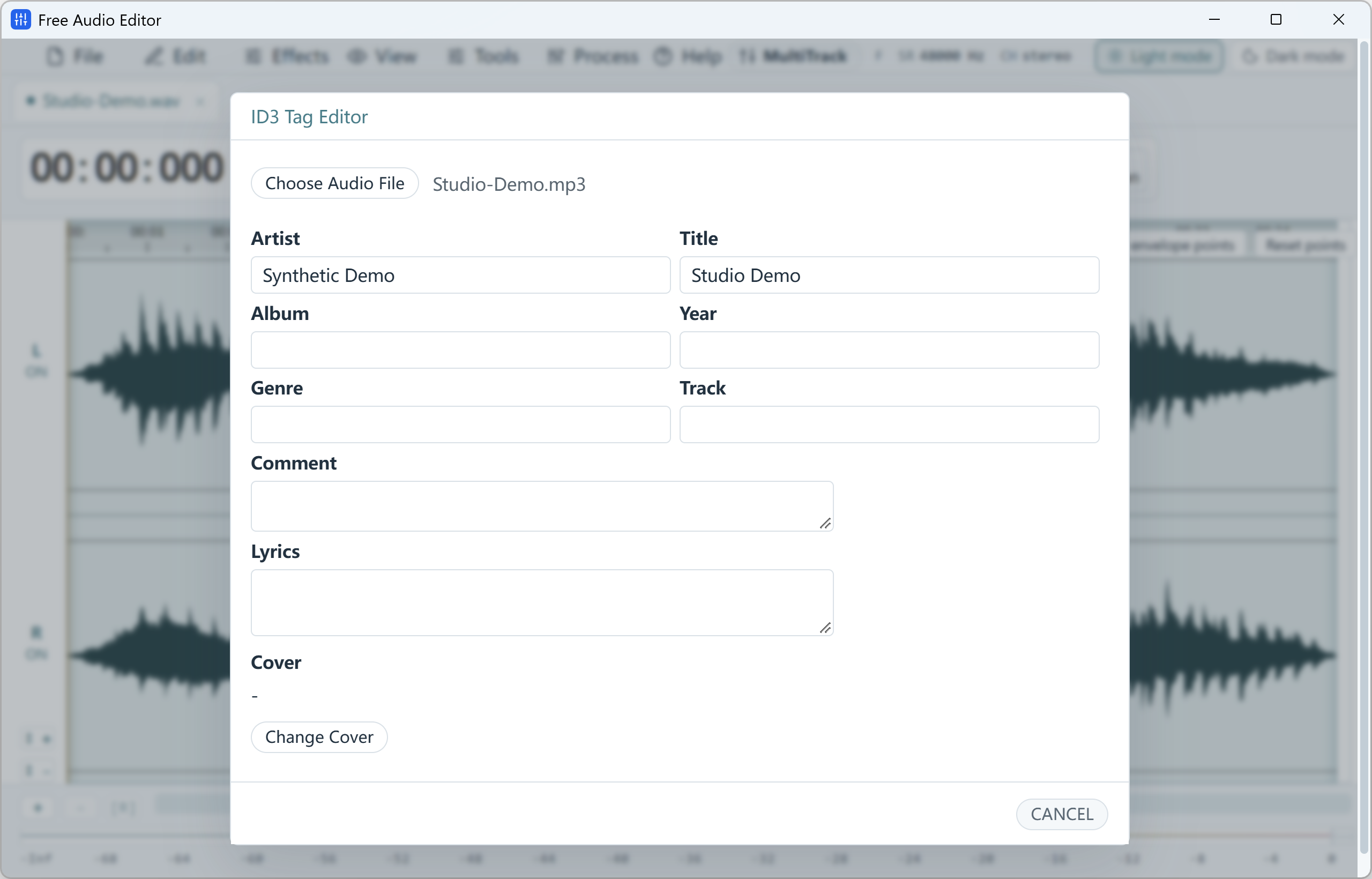
- Edit ID3 tags — title, artist, album, lyrics and cover art.
How Saving Works (Honest Answer)
Opening, editing and saving projects is free, and you can export your edited audio as a high-quality WAV file for free. Saving directly back to MP3 is part of the registered edition.
Prefer to stay 100% free? Export WAV from Free Audio Editor, then convert it to MP3 in seconds with our free Free Video & Audio Converter — it converts whole folders at once.
Comparing MP3 Editors?
See how Free Audio Editor stacks up against mp3DirectCut, Audacity, Ocenaudio, WavePad and Wavosaur — including which ones cut MP3 without re-encoding — in our best free MP3 editor comparison.
How to Do It in Free Audio Editor (Step by Step)
-
Step 1: Open your MP3
Drag the MP3 file into Free Audio Editor — the waveform appears instantly.
-
Step 2: Select and edit
Highlight the part you want to change and cut, trim, fade, or apply an effect with live preview.
-
Step 3: Save your audio
Export WAV for free, or save MP3 directly with the registered edition.
Frequently Asked Questions
Is Free Audio Editor a free MP3 editor?
Yes. You can open, edit, preview and export MP3 audio as WAV for free. Exporting directly to MP3 requires registration — or convert the WAV to MP3 with our free converter.
How do I cut part of an MP3 file?
Open the MP3, drag across the waveform to select the unwanted part, press Delete, then add a short fade if needed and export.
Can I make an MP3 ringtone?
Yes. Select the 20–30 seconds you want, add a fade out, and use Export Selection to save only that part. Convert to M4R for iPhone with Free Video & Audio Converter.