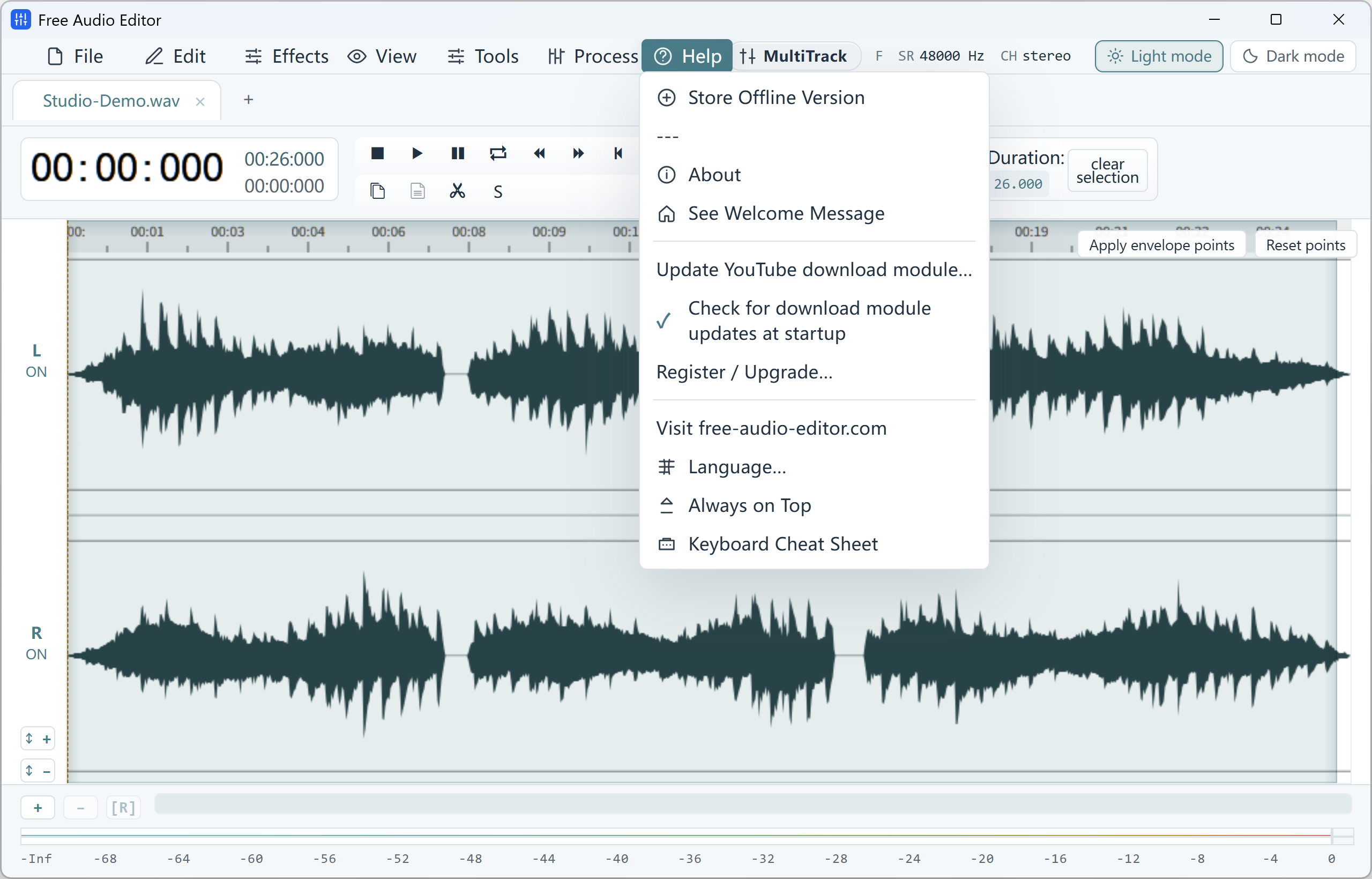
Help Menu, YouTube Module Updater & 10 Languages
Original (2560 × 1640 px)
Contact & Technical Support — Free-Audio-Editor.com
Get help with Free Audio Editor, Free Video & Audio Converter, or license registration.
For technical support, registration key assistance, or feedback regarding Free Audio Editor and Free Video & Audio Converter, please reach out to support@free-audio-editor.com.
How to Do It in Free Audio Editor (Step by Step)
-
Step 1: Download the Windows Installer
Download Free Audio Editor and run Setup on Windows 11 or Windows 10.
-
Step 2: Import Your Media
Open your audio or video files locally on your desktop.
-
Step 3: Edit, Convert & Save
Apply your settings and export to your chosen destination folder.