Official Software Screenshots 65 Real Interface Captures of Free Audio Editor & Free Video & Audio Converter
Browse every verified screenshot from our Windows 11 & Windows 10 desktop software.
Click any image to open the original unmodified PNG or JPEG capture in our viewer.
Click any image to open the original unmodified PNG or JPEG capture in our viewer.
Part 1: Free Video & Audio Converter (35 Screenshots) · Part 2: Free Audio Editor (30 Screenshots)
Two Complete Windows Desktop Programs by FAEMedia
Waveform Editor & Voice Studio
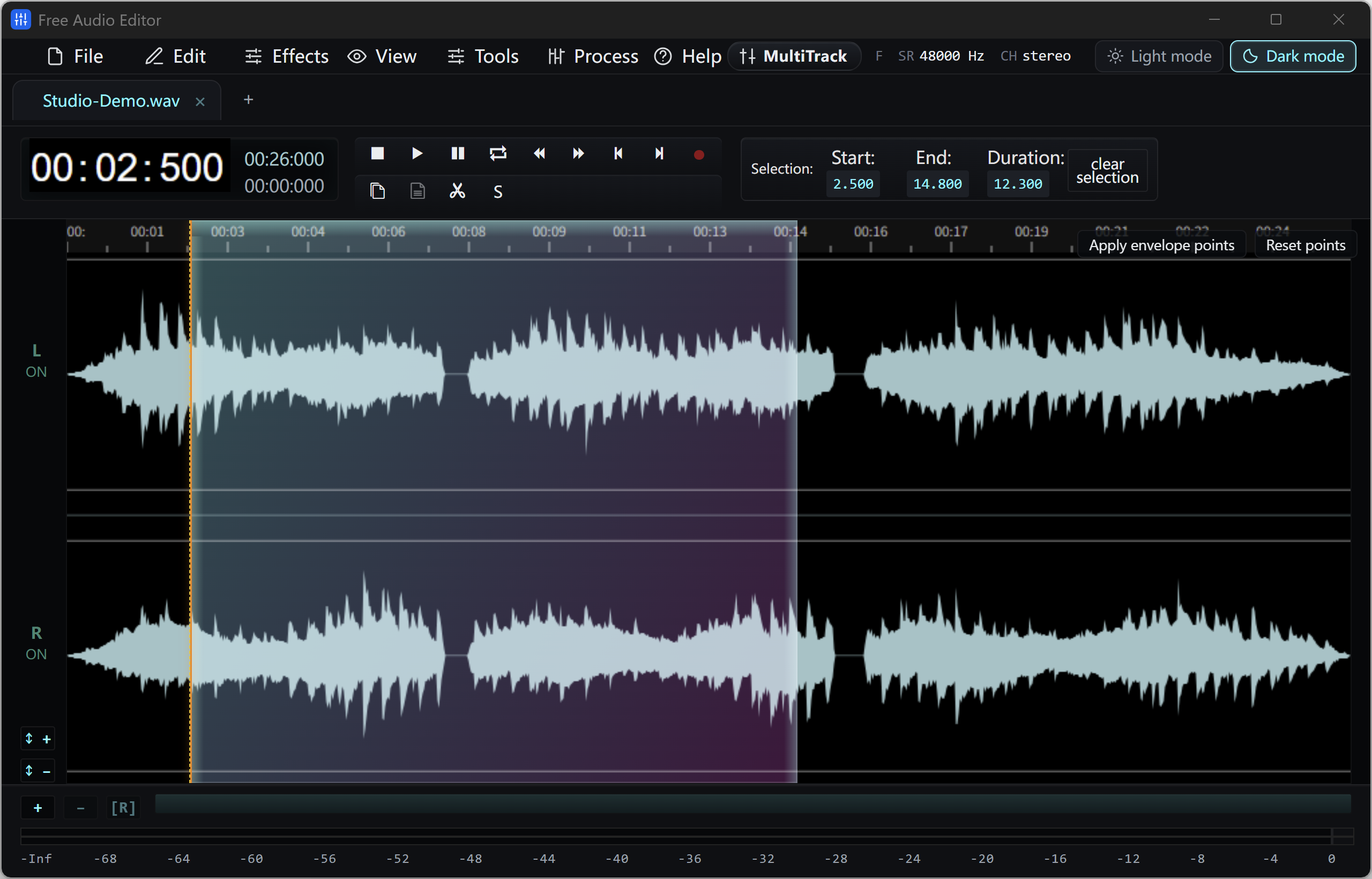
Free Audio Editor
Precision stereo waveform & spectrogram editing, microphone + Windows system audio recording, and multi-stage voice cleanup.
- Waveform & Multitrack: Cut, trim, crossfade, zero-crossing snap, seamless loops, markers, and multitrack mixer.
- Repair Studio & Podcast Chain: De-click, de-hum, de-clip, de-ess, de-breath, voice noise reduction, 20-band EQ, compressor & LUFS loudness matching.
- Edition Rights: Audio editing, project saving, and WAV export are free without registration. Registration (Upgrade) unlocks MP3, FLAC, ALAC, AAC, OGG, Opus, WMA & additional export formats.
All-In-One Video, Audio & YouTube Converter
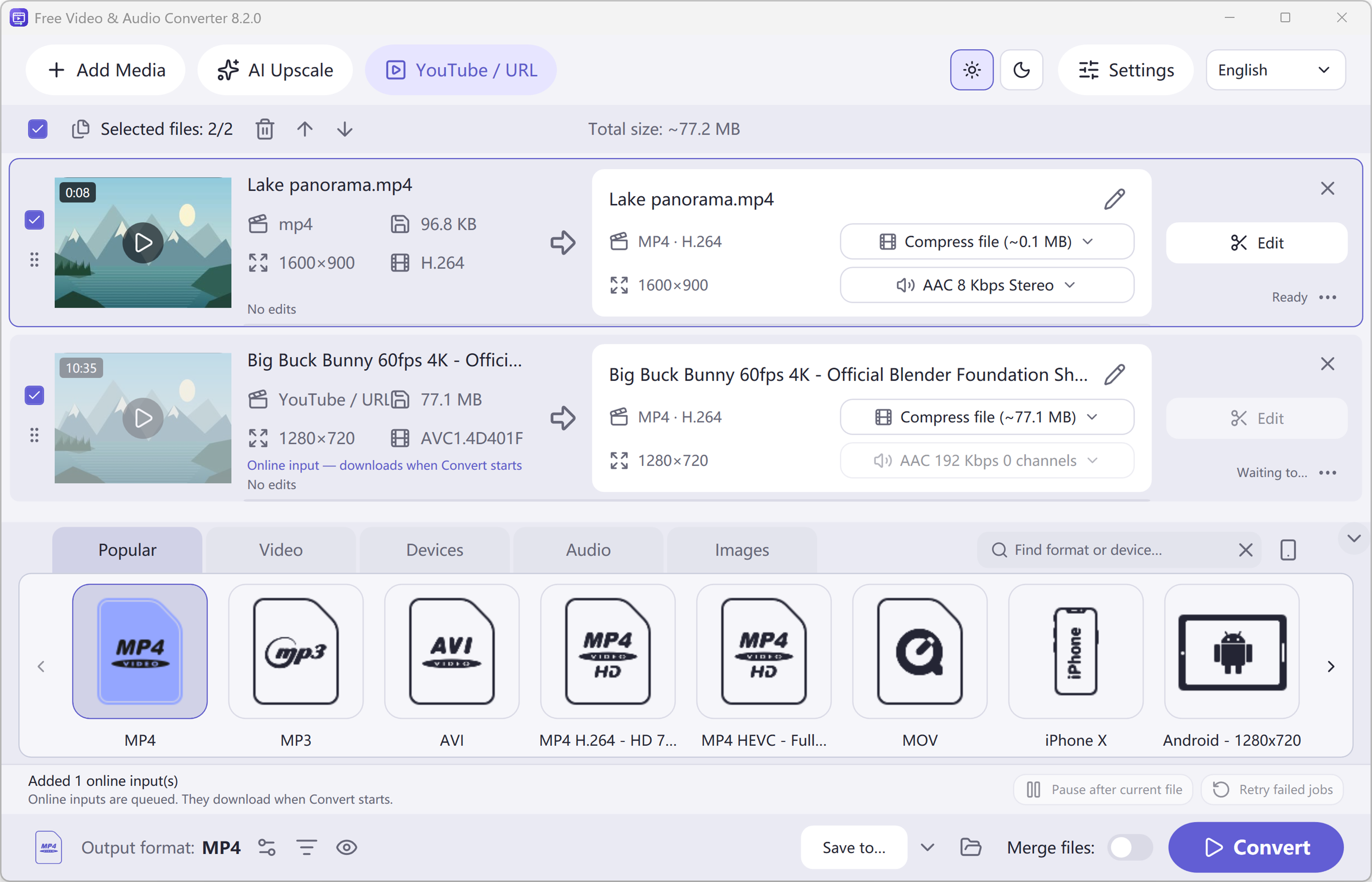
Free Video & Audio Converter
Unifies Free Audio Converter, Free Video to Audio Converter, Easy Audio Extractor, Easy Video Switch, and Easy YouTube to MP3 Converter in one application.
- 428 Built-in Presets: Convert video (MP4, MKV, MOV, AVI, HEVC, AV1), audio (MP3, FLAC, WAV, AAC, M4A, OGG, Opus, WMA) & device profiles.
- Edit, Compress & Upscale: Trim, merge, crop, add subtitles or watermarks, target file-size compression, local AI upscaling & DVD/Blu-ray authoring.
- YouTube Queue & Free Export: Read online video or playlist formats, add to queue, and convert. All supported conversion & export features are free.