The Short Answer
There is no single best MP3 editor — it depends on the job:
- Cut an MP3 without any quality loss: mp3DirectCut.
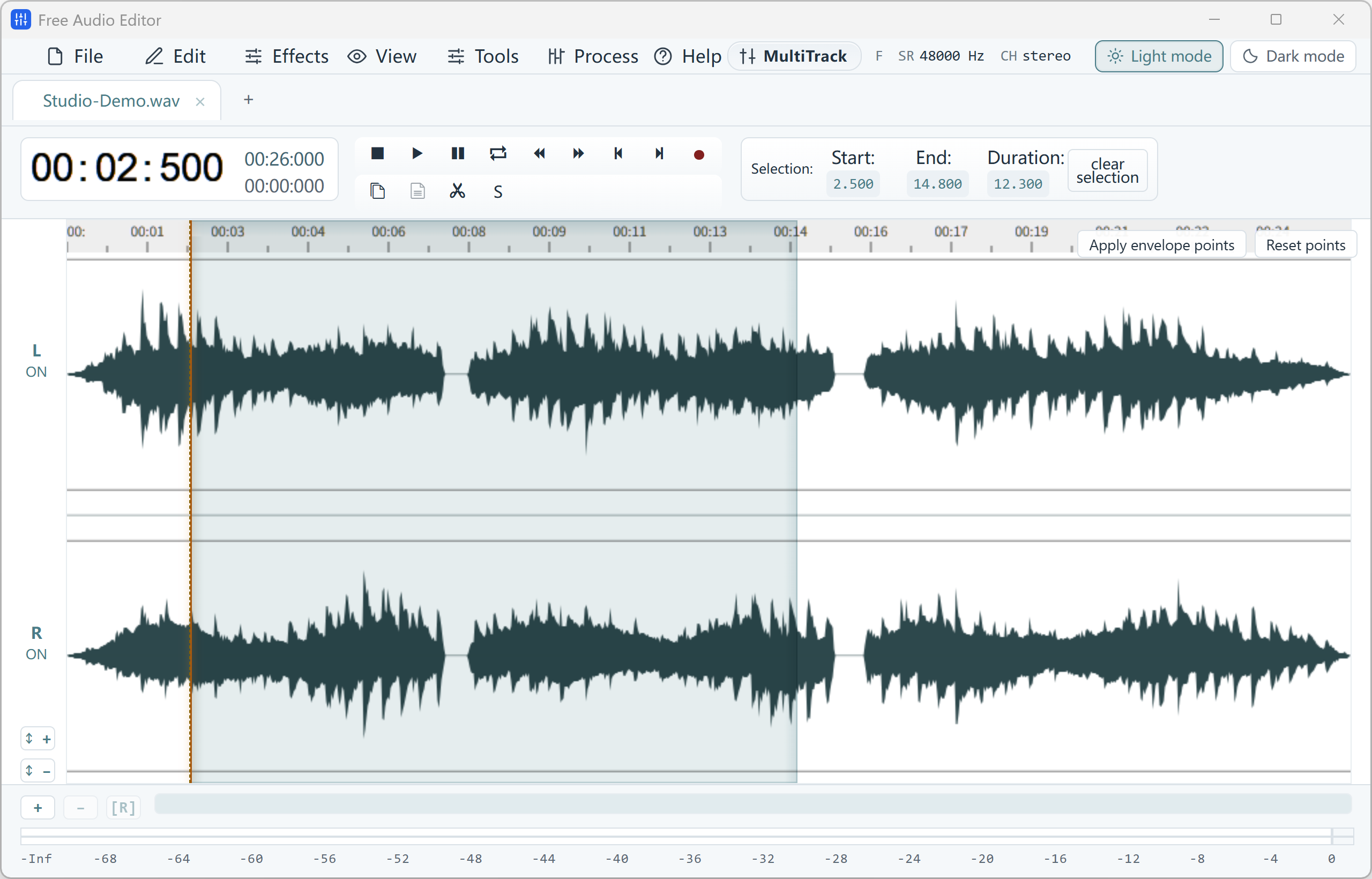
- Clean up a voice recording or podcast saved as MP3: Free Audio Editor.
- Multitrack projects and plug-ins: Audacity.
- Fast single-file edits with live effect preview: Ocenaudio.
- Simple editing for home use: WavePad (free edition).
- A tiny, portable editor: Wavosaur.
Free MP3 Editors Compared
Free editions and features change over time, so check each developer’s website for the latest details.
| MP3 editor | Best for | Saves MP3 for free | Watch out for |
|---|---|---|---|
| Free Audio Editor | Noise removal, voice clean-up, recording PC sound + mic, ID3 tags | WAV free; MP3 with upgrade — or convert WAV to MP3 free with our converter | Windows 10/11 64-bit only |
| mp3DirectCut | Cutting and splitting MP3s without re-encoding | Yes | Minimal effects; no noise removal |
| Audacity | Multitrack editing, plug-ins, cross-platform | Yes | Re-encodes MP3 on export; steeper learning curve |
| Ocenaudio | Quick edits with real-time preview | Yes | No multitrack mixing |
| WavePad (free edition) | Beginners at home | Yes | Free for non-commercial use only; upgrade prompts |
| Wavosaur | Lightweight portable editing | Yes | Dated design, little development |
Does Editing an MP3 Reduce Its Quality?
MP3 is a lossy format. Most editors — including Free Audio Editor and Audacity — decode the MP3 to full-quality audio, let you edit it, and encode a new MP3 when you save. One extra encode at 256–320 kbps is inaudible for most listeners, but repeating it many times slowly adds artifacts.
Tools like mp3DirectCut cut the MP3 frames directly without re-encoding, so plain cuts are lossless — but you cannot apply real effects such as noise reduction or EQ that way. A good rule:
- Only cutting or splitting? A lossless MP3 cutter is perfect.
- Removing noise, changing EQ, mixing or making it louder? Use a waveform editor, keep a WAV master, and export MP3 once at a high bitrate.
Why We Recommend Free Audio Editor for Cleaning Up MP3 Recordings
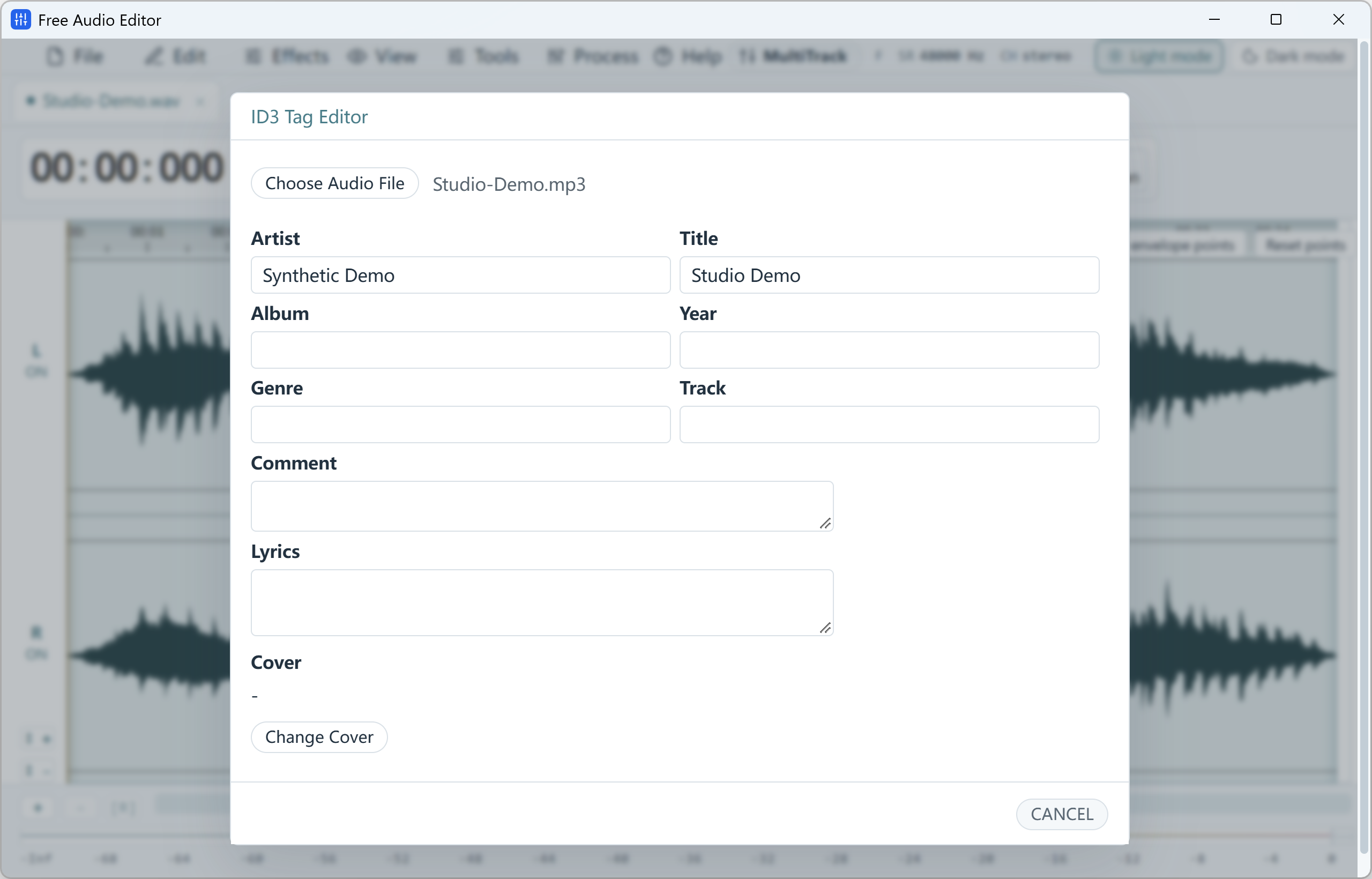
Free Audio Editor opens MP3 files instantly as a zoomable waveform, and it is built for the jobs where a simple cutter is not enough: removing background noise from a voice memo, taking out clicks and hum with the Repair Studio, matching the loudness of podcast episodes, or mixing a voice-over with music in the Multitrack Mixer. It also includes an ID3 Tag Editor for title, artist, album, lyrics and cover art.
To be clear about pricing: editing and WAV export are free without registration; exporting MP3 directly needs the registered edition. Prefer to stay completely free? Export WAV, then convert it to MP3 at up to 320 kbps with our free Free Video & Audio Converter — it converts whole folders at once.
Common MP3 Editing Tasks
- Cut part of a song: select the unwanted part on the waveform, delete it and add a short fade.
- Make a ringtone: select 20–30 seconds, fade out, and use Export Selection; convert to M4R for iPhone.
- Join MP3 files: concatenate tabs, or insert one file at the playhead with a crossfade.
- Make a quiet MP3 louder: use Normalize or Loudness Match (LUFS) instead of simply raising gain, to avoid clipping.
- Split a long MP3: use Split by Silence or markers to cut it into separate tracks.
Frequently Asked Questions
What is the best free MP3 editor for Windows 11?
For lossless cutting, mp3DirectCut. For cleaning up voice recordings, noise removal and tag editing, Free Audio Editor. For multitrack projects with plug-ins, Audacity.
Can I edit an MP3 without losing quality?
Plain cuts can be lossless with an MP3 frame cutter. Effects such as noise reduction or EQ require decoding and re-encoding; export once at 256–320 kbps and keep a WAV master to minimise loss.
Is Free Audio Editor a free MP3 editor?
Yes for editing: you can open, edit and preview MP3 files and export WAV for free. Saving directly to MP3 requires registration — or convert the WAV to MP3 with our free converter.
Which free MP3 editor has noise reduction?
Free Audio Editor (Noise Reduction for voice plus the Repair Studio) and Audacity both include noise reduction. Lossless MP3 cutters generally do not.