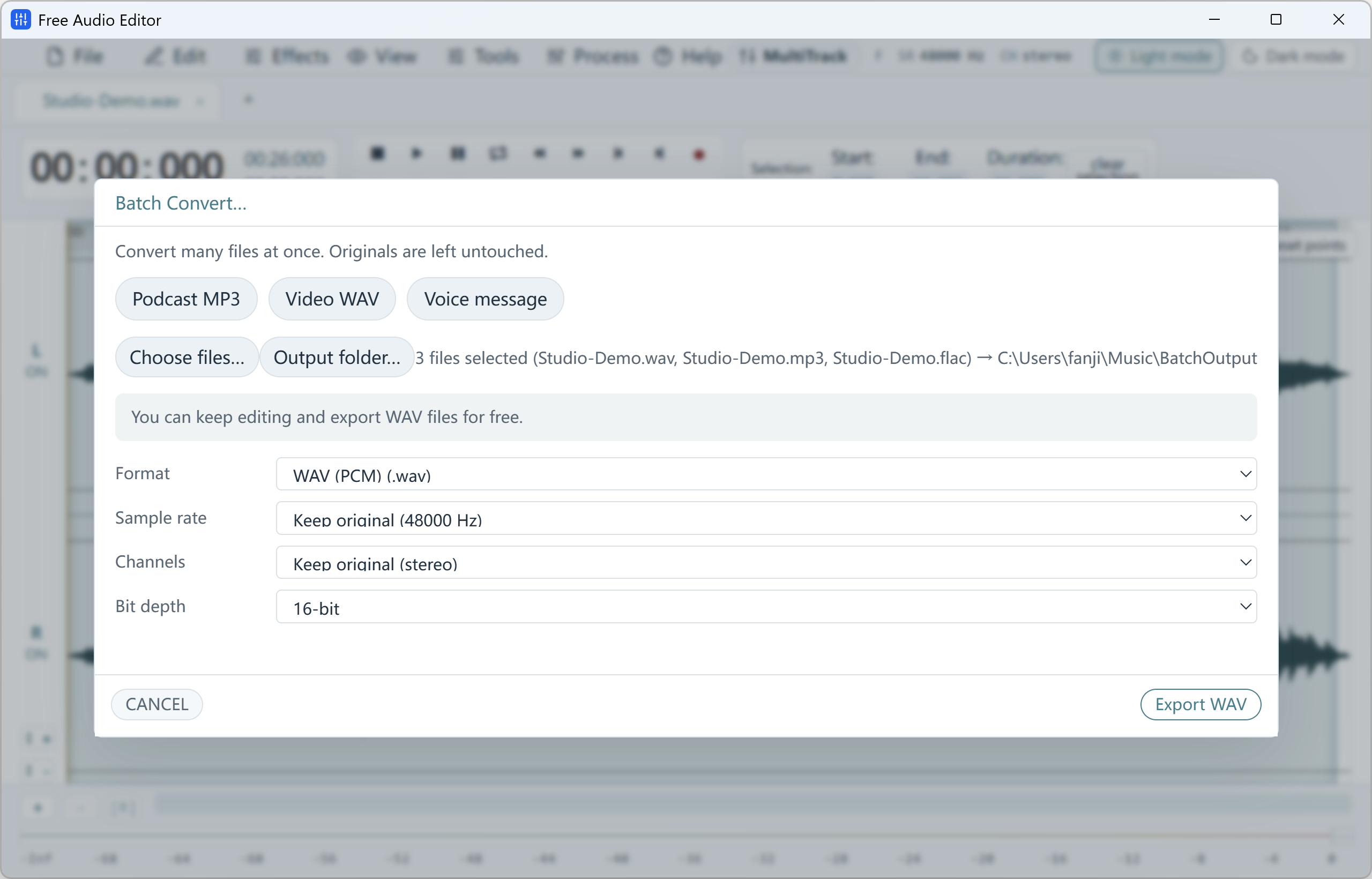
Batch Audio Converter
Original (2560 × 1640 px)
Batch Audio & Video Conversion on Windows 11/10
Use the built-in Batch Converter in Free Audio Editor or queue entire folders in Free Video & Audio Converter.
Download the latest Windows 11 / Windows 10 (64-bit) installer below to use these features on your PC.
How to Do It in Free Video & Audio Converter (Step by Step)
-
Step 1: Download the Windows Installer
Download Free Video & Audio Converter and run Setup on Windows 11 or Windows 10.
-
Step 2: Import Your Media
Open your audio or video files locally on your desktop.
-
Step 3: Edit, Convert & Save
Apply your settings and export to your chosen destination folder.