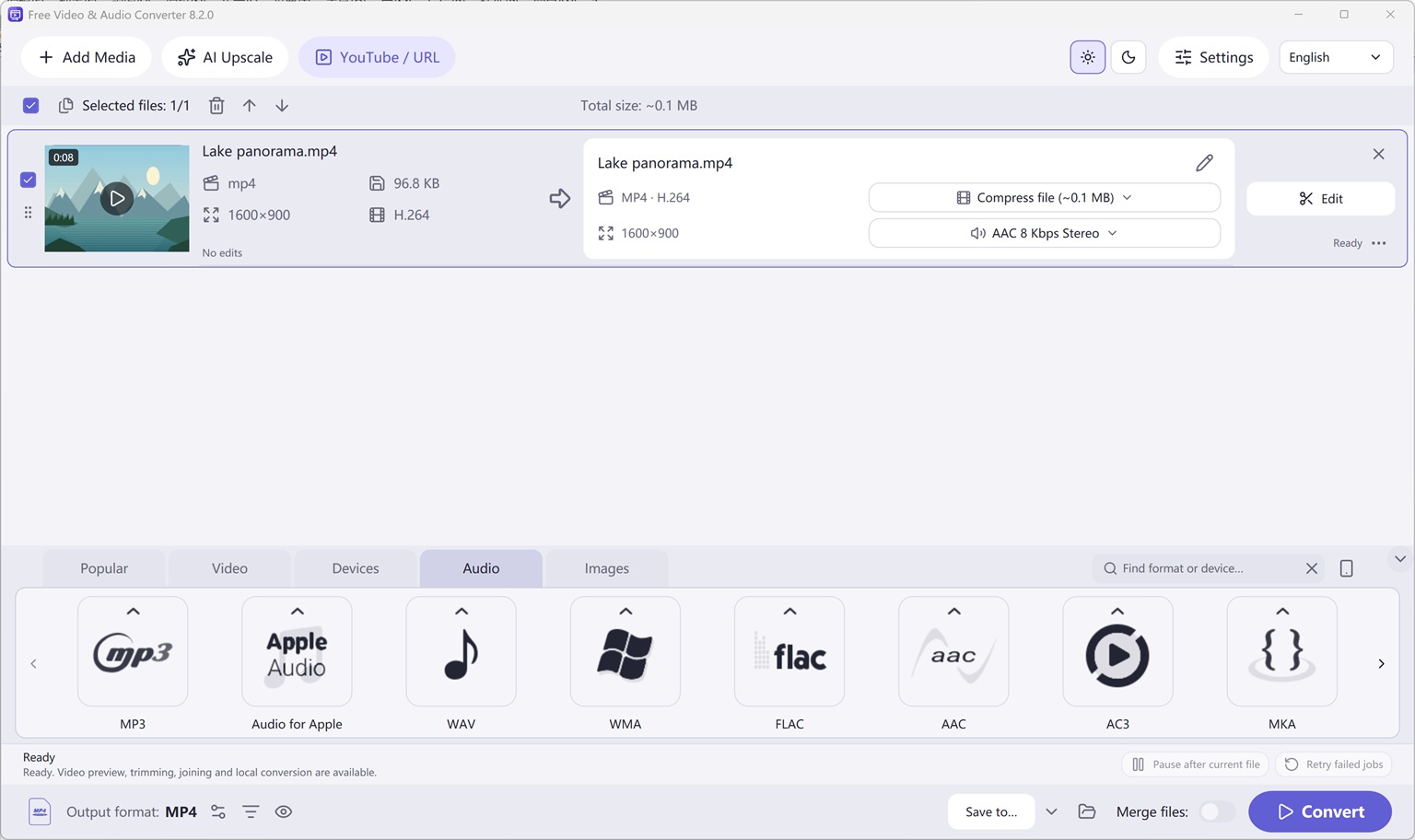
Audio Output Formats & Extraction
Original (1536 × 912 px)
How to Extract Audio Online vs. Desktop Extractor
We consolidated Free Video to Audio Converter for Windows, Free Audio Converter, Easy Audio Extractor, Easy Video Switch, and Easy YouTube to MP3 Converter into one unified Windows x64 application: Free Video & Audio Converter.
All 428 output presets across Video, Audio, Devices, and Images—along with visual trimming, merging, cropping, subtitle editing, custom watermarks, target file-size compression, local AI upscaling, and DVD/Blu-ray authoring—are included for free.
How to Do It in Free Video & Audio Converter (Step by Step)
-
Step 1: Download Free Video & Audio Converter
Install and launch Free Video & Audio Converter on Windows 11 or Windows 10 (64-bit).
-
Step 2: Add Video, Audio, or YouTube URL
Drag local files/folders into the queue or paste a public URL via YouTube / URL.
-
Step 3: Choose Output Format & Convert
Select your target preset (such as MP3, FLAC, WAV, or MP4) and click Convert.