Suppose you are recording the opening line of a podcast. You like the words in the first take but want to try a different delivery. Give each take its own track at the same point on the timeline. Then you can play the line in context and switch performances without cutting into the original.
Set a start point for the first take
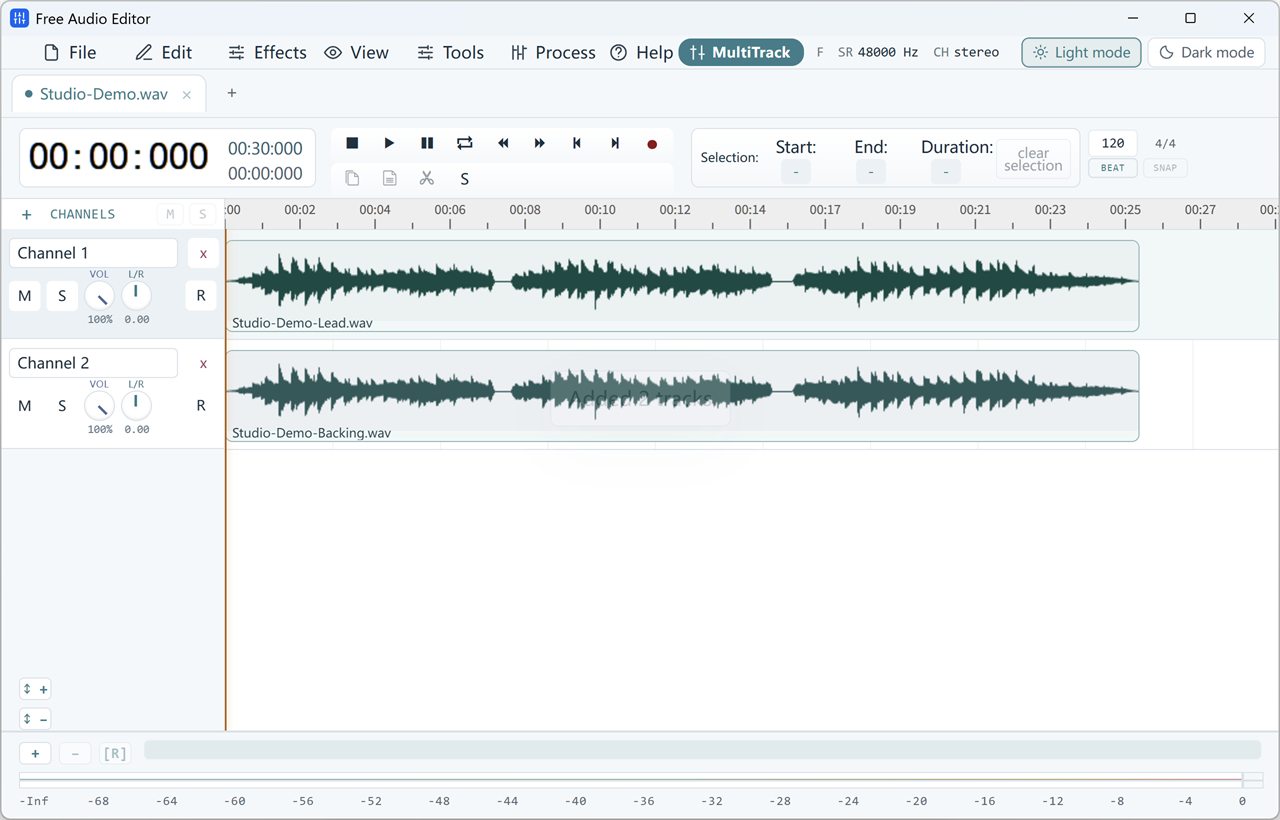
In Multitrack, name a channel Take A. Put the playhead just before the line should start. Note the time on the ruler, particularly if there is a music cue or a sentence just before it.
Click R on Take A to arm that channel. Start recording, leave a brief pause, then speak the line. Stop and play it back. The new clip begins where the playhead was when you started recording.
Record the second reading on its own channel
Use + (Add Channel) and name the new row Take B. Move the playhead back to the time you noted. Click R on Take B. Arming the second row switches the recording target away from Take A.
Keep the microphone in the same position, record the new line and stop. You should see two clips on different rows. If one starts a little late because you took a longer breath, drag that clip along its own row until the first words line up by ear. Keep the first consonant intact.
Compare the performances in the surrounding audio
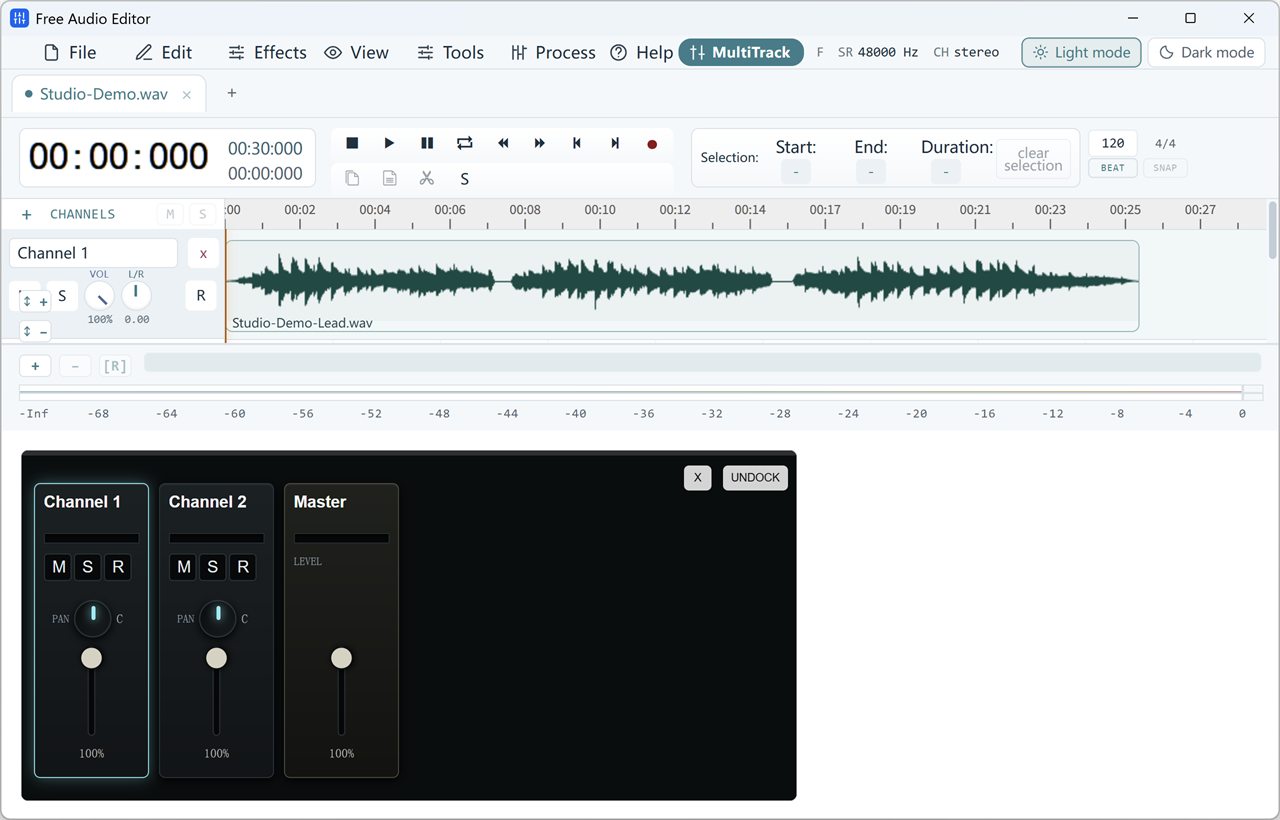
Mute Take B with M and play from just before the line. Then unmute B and mute A. Start from the same place and keep playback at the same volume. With music or another speaker in the session, this lets you judge timing against the rest of the recording.
To inspect a mouth click or clipped syllable more closely, use S (Solo) on just that take. Turn Solo off before listening to the full mix again. If the voice seems doubled, check whether A and B are both playing.
Keep the alternate take for the next edit
Leave the chosen take audible and mute the alternate. Save the editable project before making a listening copy. Play across the transition into the next line to check the room sound, the breath and the timing.
If the job is to capture two different sources at the same instant, use the microphone and computer sound recording guide. The two takes here are successive performances.