
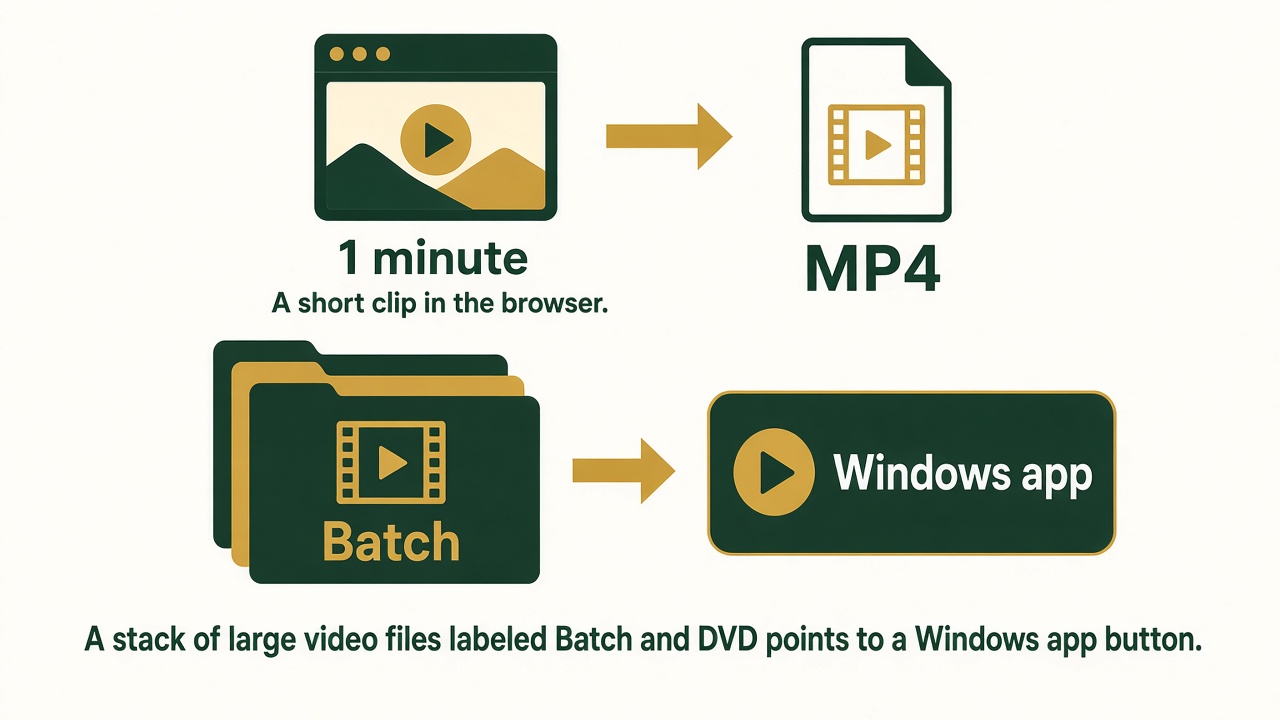
To convert a video on Windows, change its container and codec into something a player or a website will accept. One short clip can become MP4 or WebM in the browser. A long file, a folder, or a DVD is Easy Video Switch.
Convert a short clip online
- Open the online video converter.
- Choose one video under about 40 MB.
- If it is longer than about one minute, set a start and an end that cover one minute or less. That is the preview. The rest of the file is the Windows app.
- Choose MP4 for the widest playback, or WebM if you specifically need it.
- Click Convert and download the result. Listen and watch the whole clip, including the new ending.
- If the page says this browser cannot convert that file, use Easy Video Switch. Some codecs only convert reliably in the desktop app.
What to use the Windows app for
- More than a minute, or a file past the size limit.
- A folder of videos that should all land in one format.
- DVD or a format the browser will not open.
- A file you need to keep on the PC after the tab is closed.
If you only need the sound, use extract audio from a video instead of converting the picture.
Frequently asked questions
Will this upload my video?
No. The short preview is converted in the browser.
Can I convert a whole movie?
Not on this page. Download Easy Video Switch and convert it on the PC.
MP4 or WebM?
MP4 plays on more phones and editors. WebM is the other preview option. Pick the one the place you are sending the clip actually accepts.