
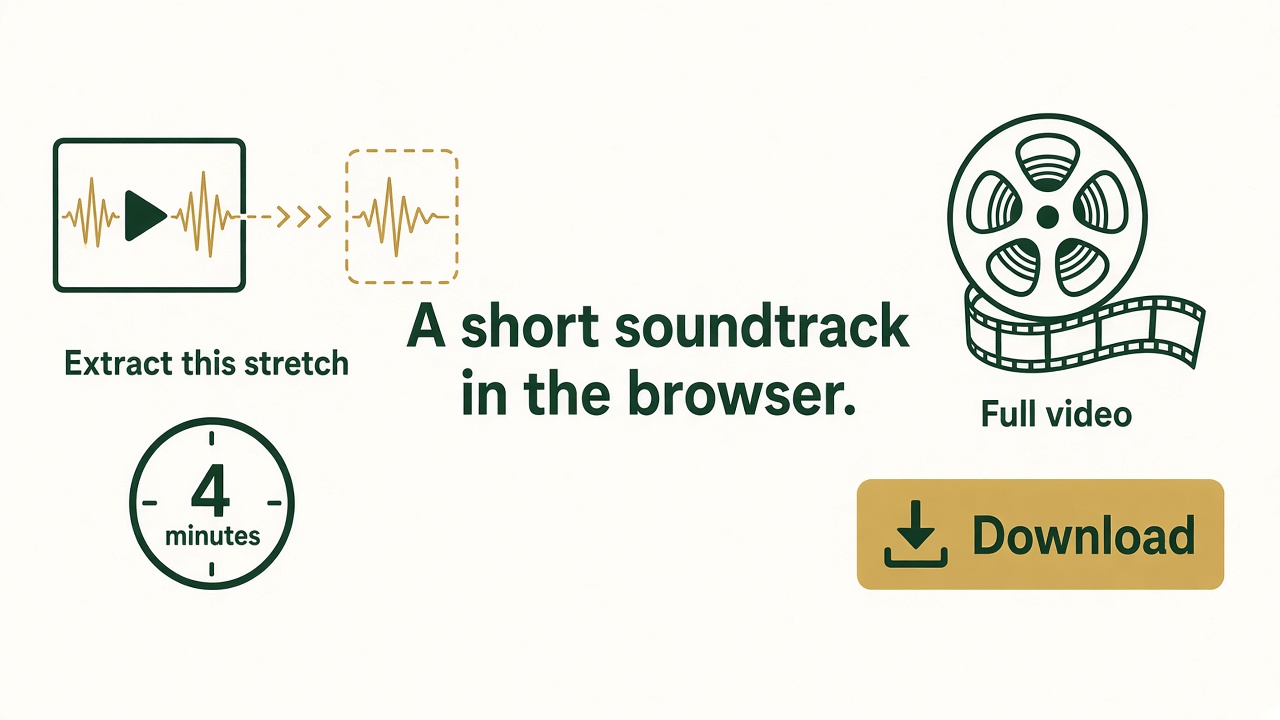
To extract audio from a video, pull the soundtrack off the picture and save it as MP3 or WAV. A short stretch can be done in the browser. A whole movie, a batch, or a file the browser cannot read belongs in the Windows app.
Extract a short soundtrack online
- Open Video to Audio or Audio Extractor. They do the same preview. The download button on each page is that product’s Windows installer.
- Choose one video under about 50 MB.
- If the video is longer than about 4 minutes, type a start and an end that cover the stretch you want. The gap must be about 4 minutes or less.
- Choose MP3 for a share copy, or WAV if you will edit the sound again. 192 kbps is a solid MP3 starting point. Use 128 kbps for speech.
- Click Convert. When it finishes, download the file. It lives in this tab until you save it. Closing the tab drops it.
- Play the start and the end. If a word is cut off, widen the range by a fraction of a second and convert again.
When the Windows app is the right tool
- The video is a full episode, a movie, or anything past the preview length.
- You have a folder of videos.
- The browser says it cannot read the file. Some phone and camera formats need the desktop converter.
- You want the soundtrack saved on the PC, not only downloaded from a tab.
Free Video to Audio Converter is the Windows installer for this job: FreeVideoToAudioConverter.exe. Easy Audio Extractor is the other Windows installer for the same kind of extract: EasyAudioExtractor.exe. After it is on disk you can trim, fade, or clean the result in Free Audio Editor.
Frequently asked questions
Can I turn an MP4 into an MP3?
Yes. That is this extract. Open the video, choose MP3, and convert the stretch you need.
Does the video get uploaded?
No. The preview runs in the browser. A private recording should not go to a random website converter.
Why will a long video not finish here?
The page is a preview of about four minutes. The Windows app is built for the rest of the file.
The result has no sound.
The video may not have an audio track, or the range you typed is a silent stretch. Play that range in a video player, then extract it again.