Overview: Best Music Streaming Services for Every Type of Listener
Convert and organize FLAC, ALAC, WAV, MP3, M4A, and Opus music libraries on Windows 11/10.
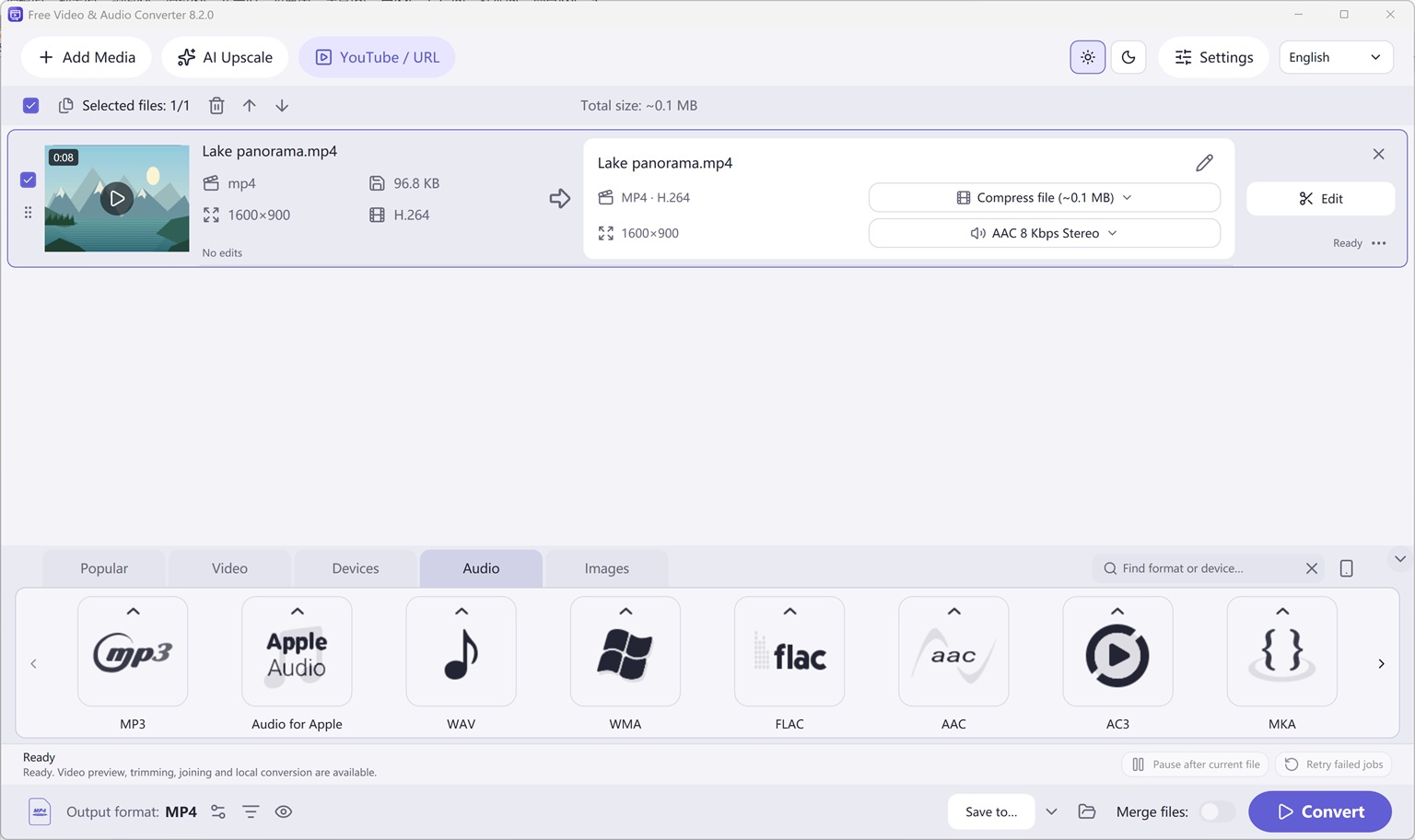
With Free Video & Audio Converter, all 428 video, audio, and device conversion presets—plus trimming, merging, audio normalization, subtitle studio, local AI upscaling, and YouTube URL queueing—are available free on Windows 11 and Windows 10 (64-bit).
More Details & Tips
This is an era of digital music especially with the advent of mobile devices and always-on connections, you can access to a selection of millions of songs by paying a monthly fee in the music streaming services. Since there are lots of them sharing countless numbers of songs in their libraries, the difference mostly depends on intrinsic qualities and personal preferences. So in this article, we will decide to break them down and just find which one is you like most.
Spotify
Spotify is much like a music manager program which isn’t kind of in vogue anymore. It’s designed for those who are serious about crafting their playlists or doing searches for specific songs and artists. Spotify is the music streaming service that can effectively leverage music as a social experience. In another word, it provides an easy way to share songs and albums with friends through links or Facebook. Its user-friendly interface will enable you to see what your friends have been listening to or to make collaborative playlists with them.
Pandora
Pandora is one of the oldest music streaming services around, and it has survived for over a decade by sticking to its simple principles and easy-to-use apps. The “radio” interface is the same as the service was launched way back in 2004: you can start a station with a single song or artist, giving songs “thumbs up” or “thumbs down” when they come in. When you finish the listening, you will have a radio station which is tuned to the genre and artist you have selected.
Google Play Music
Both Apple and Google provide music streaming services tied to their branded tablets and smartphones, which roughly compete with the likes of Spotify and Pandora. In fact, both of them are offered in their competitor’s products: you can download Apple Music from the Play Store and Google Play Music from the App Store.
But finally Google wins out for certain reasons: Google Play Music allows users to upload up to 50,000 songs for free playback on any desktop or mobile devices. You can even download the songs directly to your tablets or smartphones for offline enjoying. The above assets should be appreciated by those who have amassed a vast library of music. More than that, a $10 subscription per month to Google Play Music Unlimited also unlocks YouTube Red. Unlimited means you can download a library of millions of songs for free, which is more or less the same as other services.
Tidal
If you ask the vinyl-spinning hi-fi fanatics, they will tell you that the MP3 era has set the bar low for digital music. But even the pickiest of users are being courted of online music streaming. Recently Tidal and Deezer are duking it out for the best high-quality streaking service. As a result, Tidal gets the nod because that Deezer’s high-quality service only compatible with the pricey SONOS system instead of all device in all countries.
On the contrary, Tidal can stream high-quality music on Windows, Android, iOS and the web. It has a 25-million library which streams in the FLAC format with 16-bit, 44.1kHz tracks streaming at over 1000 kilobits per second. Those who spend extra time on their headphones will know what it means, and they are the ones Tidal is going to woo with the premium service.
SoundCloud
SoundCloud features an extremely massive and creative user base. It has nearly 200 million active users per month and a large number of artists upload their latest songs to this service. With the patience, you will ever to find a favorite artist from SoundCloud’s immense track list.
However, as there are so many songs provided by SoundCloud and its layout is designed around the single track rather than a playlist, SoundCloud is for those who would like to sift through tons of songs to find their favorites, rather than relying on the algorithm to guess what they may like. Obviously this will be great for a specific type of users instead of the average listeners. If you search for your favorites for hours a week on SoundCloud, you may need to upgrade to an ad-free experience.
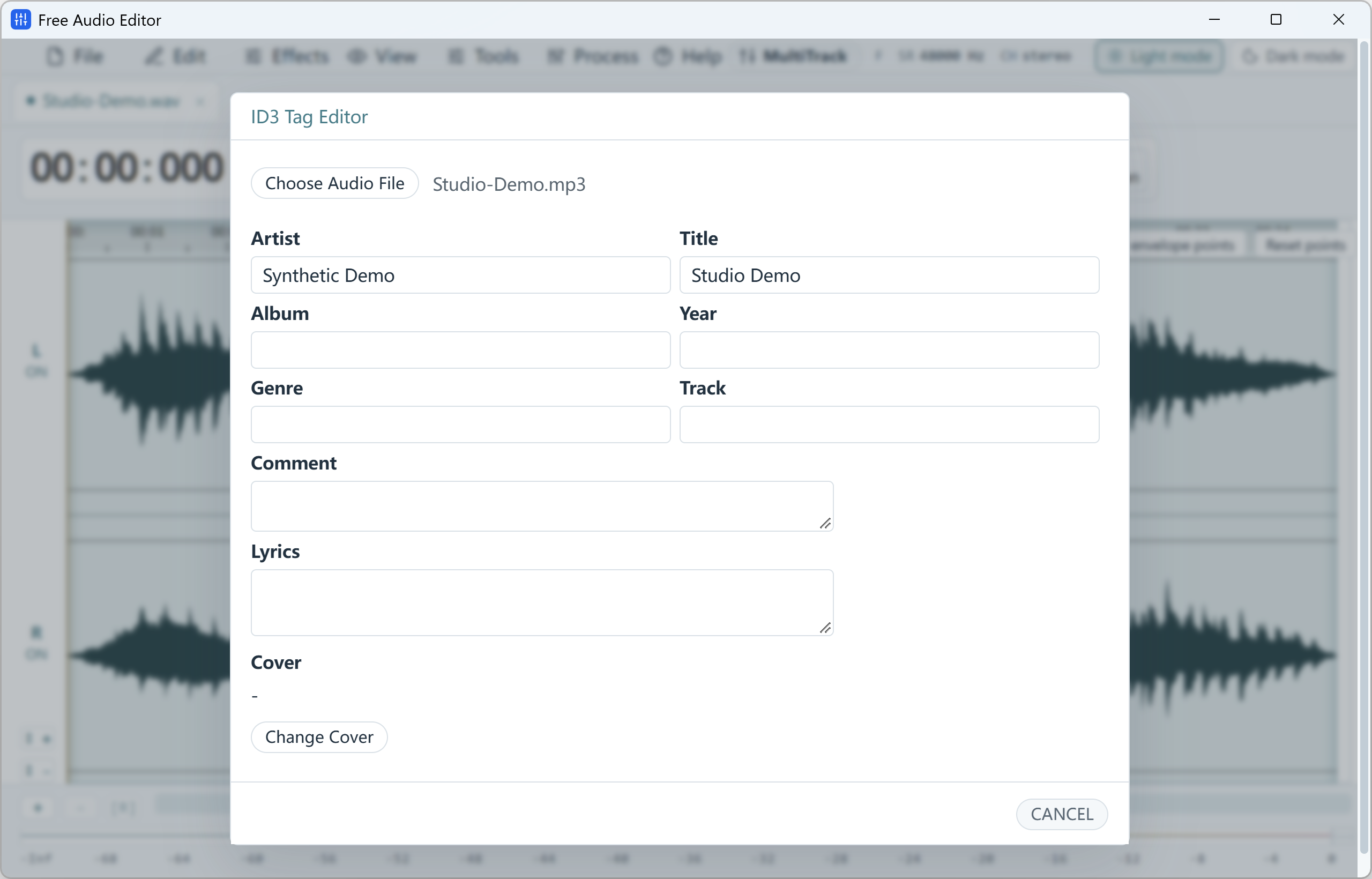
Now that you’ve got the above music streaming services, you can listen to your favorite music on a computer or on the go with your mobile devices immediately. Whenever you run into the needs of editing the music such as for creating ringtones or for other needs. Free Audio Editor just comes in need to help you edit audio files with great ease. The range of features in Free Audio Editor is impressive. You can add effects, fades, cut/trim tracks, and many more. It is incredibly accessible to anyone by allowing you to import nearly any audio format you want.