
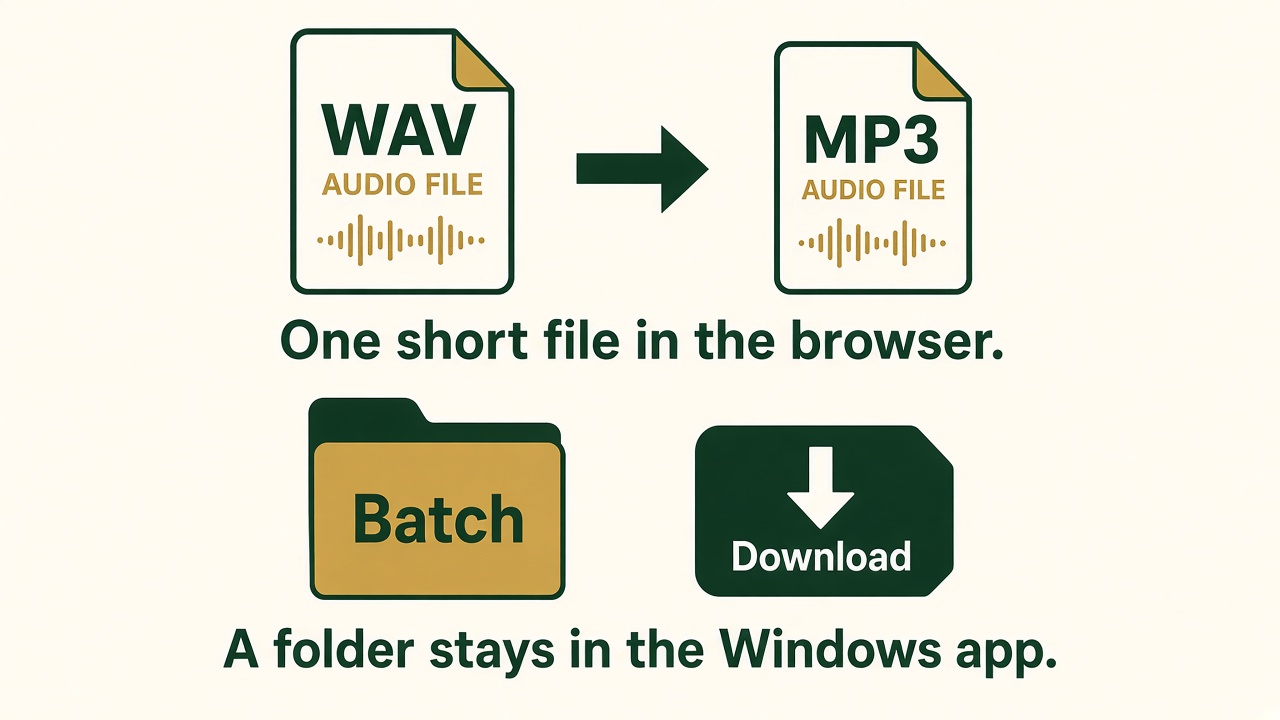
You can convert common audio files in the browser, then download the result. Free Audio Converter for Windows is the tool when you have a folder of files or a format the browser cannot encode.
Open the online audio converter
Convert a file online
- Open the online audio converter. Home, at the left of the top bar, returns to the Free Audio Editor site.
- Choose up to 10 files. Each can be about 150 MB and about 60 minutes. The page shows the length and size after you pick them.
- Choose MP3, WAV, M4A, OGG, or FLAC.
- Set the bitrate. 128 kbps is enough for speech. 192 kbps fits most music. 320 kbps is the high setting.
- Leave sample rate and channels on Keep unless you need 44100 Hz, 48000 Hz, or mono.
- Add a fade in or fade out if the new file should not start or end abruptly. Check Reverse only when you want the file played backwards.
- Click Convert. Download each finished file. The tab does not keep them after you close it.
When to install Free Audio Converter
- You have more than 10 files, or files past the size and length above.
- You need WMA or another format this browser page does not list.
- You want the converted files saved in a folder on the PC.
Download Free Audio Converter for Windows. A WAV-to-MP3 walkthrough for the desktop app is on the main site: convert WAV to MP3 on Windows 11.