
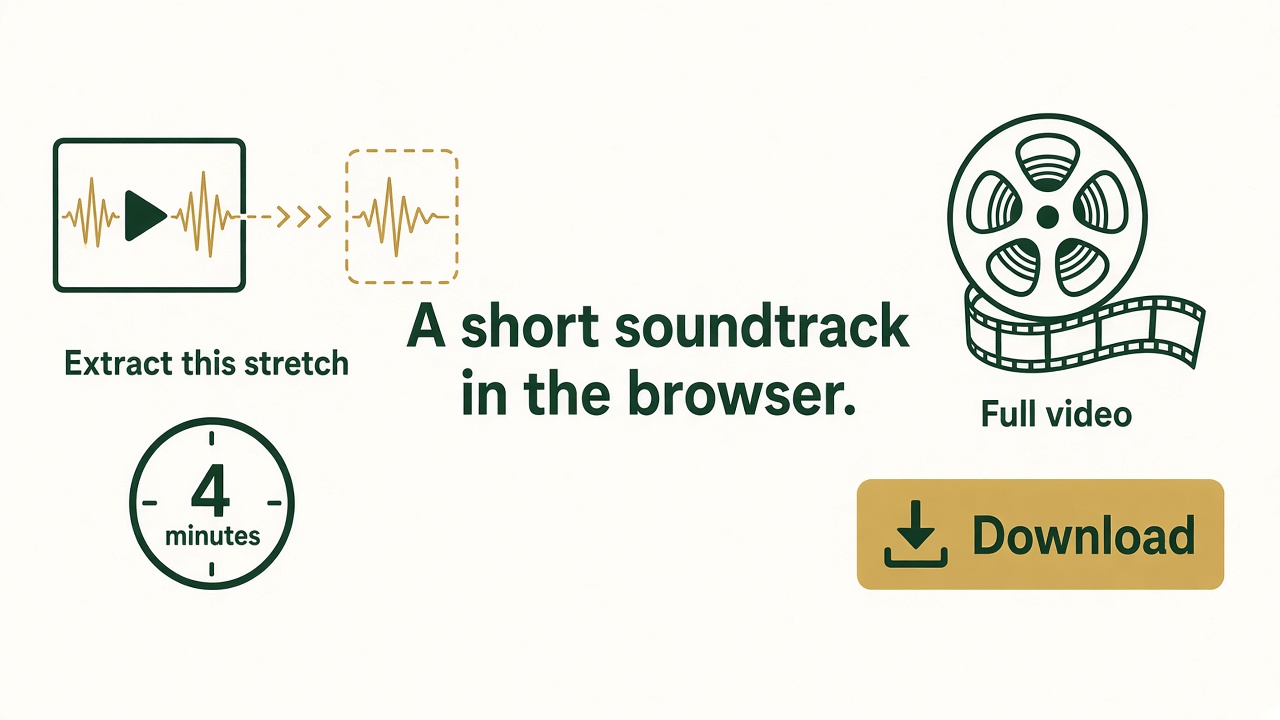
Video to audio means taking the soundtrack off the picture and saving MP3, WAV, or another audio file. A browser can do that for one video. Free Video to Audio Converter for Windows does it for long files and batches.
Extract a soundtrack online
- Open Online Video to Audio.
- Choose one video under about 300 MB. The page lists its length.
- If it is longer than about 30 minutes, type a start and an end, in seconds, that cover the part you want. The stretch itself should be about 30 minutes or less.
- Choose MP3 for sharing, or WAV if you will edit the sound again. 192 kbps is a solid MP3 default. Use 128 kbps for speech.
- Set a fade in or fade out if the extract should ease at the edges.
- Click Convert and download the audio file. Play the start and the end. Widen the range if a word was cut.
The same steps run in Online Audio Extractor, with that product’s installer. For the Windows video converter, download Free Video to Audio Converter. More detail is in how to extract audio from a video.