
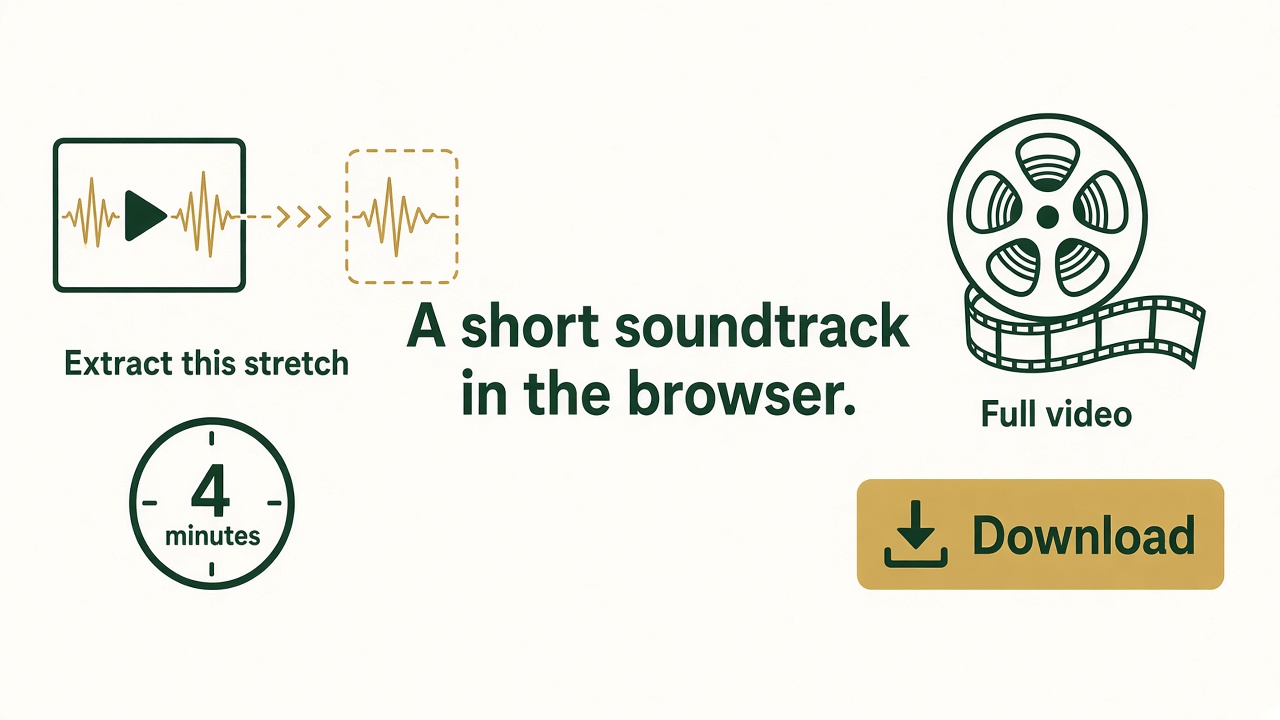
On a Mac you can extract a soundtrack in the browser without installing anything. The file stays on that Mac. It is not uploaded.
Convert video to audio online
- Open Online Video to Audio in Safari, Chrome, or Edge.
- Choose one video under about 300 MB.
- For a long video, set start and end so the piece you need is about 30 minutes or less.
- Choose MP3 or M4A. M4A is a comfortable choice for Apple Music and the iPhone. MP3 plays almost everywhere.
- Click Convert and download the file.
Use the desktop converter when the video is a full movie, a batch, or a format the browser will not open. The download section is on this Mac product page.